Build around the task in front of you
Reading a textbook, writing an essay and watching a recorded lecture place different demands on the same desk. A screen can sit higher when you use a separate keyboard, while a notebook needs a reachable writing surface. Start by choosing the main task for the next study block and move the equipment accordingly. Do not leave every item spread across the desk if it pushes the work far away.
Students often share tables with family members or move between school, tuition and home. A repeatable setup check is more practical than expecting one permanent workstation. Notice the seat, feet, task and light each time you sit down. The goal is a comfortable starting arrangement that still allows movement, not a rigid position you must maintain until the chapter ends.
Support sitting without expensive equipment
Sit far enough back that the chair can support you, while keeping the work within reach. Rest your feet on the floor or a stable support if the chair is too high. Avoid balancing your feet on a rolling object or using a stack that shifts when you move. Make sure the chair and table leave enough room for your knees.
A folded towel may make a seat feel different, but do not keep adding layers until the chair becomes unstable or your arms rise towards the desk. If you cannot find a comfortable fit, try another available chair or ask for help adjusting the room. Our guide to desk sitting offers a fuller check of seat depth, arm position and support.
Bring reading and screens into view
A stable book stand can reduce the amount of time spent looking down at a flat page. Position it where you can see the text without leaning forwards, and use enough light to read comfortably. If a stand is unavailable, periodically change between reading and another task rather than holding your neck bent for a whole evening. Avoid balancing a heavy textbook against loose objects.
For a laptop, a raised screen and separate keyboard can make longer sessions easier to arrange. If those accessories are not available, use shorter blocks and change tasks more often. Increase text size when small print makes you lean towards the screen. Read practical laptop posture fixes and monitor placement guidance before spending money on new equipment.
Make handwriting less cramped
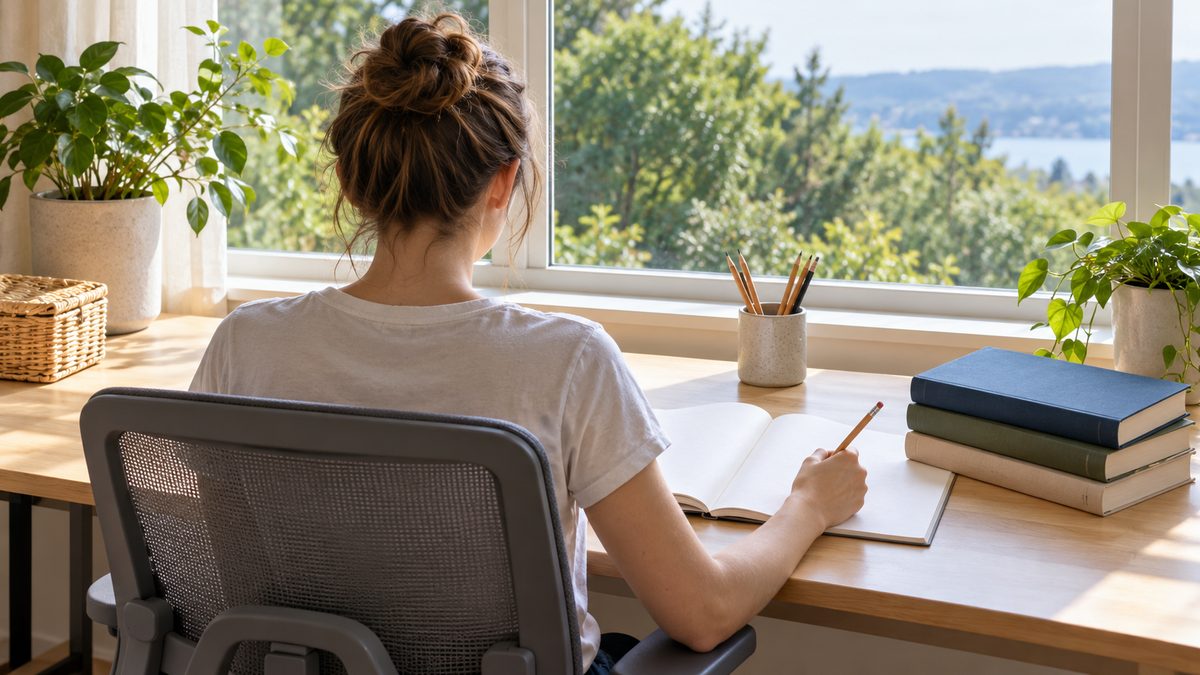
Place the notebook close enough that your elbows do not have to reach far forwards. Turn the page slightly to suit your writing hand and leave space for your forearm. A desk covered in revision cards, cups and devices can force an awkward writing angle even when the chair is comfortable. Clear a small working area before beginning a timed practice paper.
Use a pen that feels easy to hold and avoid gripping harder as you concentrate. During pauses, release the pen, open your hands and look away from the page. If you notice yourself leaning closer with every paragraph, check the light, text size and distance rather than only telling yourself to sit straight. Persistent hand, neck or back discomfort deserves individual advice.
Plan breaks around study blocks
Choose a stopping point before starting: a short section, a group of questions or an agreed timer. At the pause, stand if you can, walk a little and change your view. Replacing a laptop with a phone while staying in the same seat may give your attention a break while leaving your body in much the same position.
Exam preparation can make every interruption feel costly. Keep the first break small enough that you will take it, and leave a note showing the next task so returning feels easier. The article on breaks from sitting offers more ways to link movement to ordinary events. Avoid waiting until your shoulders or back are already very uncomfortable before moving.
Check the study space before a longer session
Use this short checklist when changing rooms, returning from class or beginning a long revision day. It works with a shared dining table as well as a dedicated desk. Make the easiest available adjustments first and ask for practical help when furniture cannot be changed.
- Feet rest securely rather than dangling.
- The page or screen is readable without leaning closer.
- The writing area allows relaxed forearm movement.
- A clear pause is planned before the next task.
- Water, books and cables do not crowd the working space.
A shared table can work better with a small study kit that is easy to move. Keep the essentials together so setting up does not take a large part of the available study time. Before clearing the table, note which adjustment felt helpful, such as moving the lamp or using a foot support. Younger students may need an adult to check furniture fit as they grow. A setup chosen at the start of a school year may need another review later.
Include the journey and the end of the day
A comfortable desk is only part of a student's routine. Review the books carried to school and remove those that do not need to travel. Use both straps on a suitable backpack and plan where it can be set down safely. Our heavy bag guide explains ways to reduce the daily load before trying to adjust carrying posture.
After studying, choose a different activity rather than moving directly into another long seated screen session. A brief walk, household task or comfortable stretch can provide variety. Pain that persists or gets worse should be discussed with a parent, carer or appropriate health professional, especially for younger students. The back pain help guide explains changes that call for prompt medical attention.